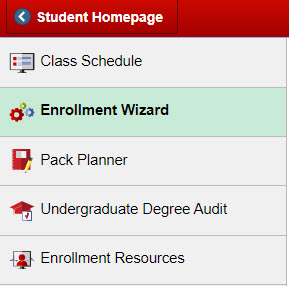
Students can submit schedule revision requests through the Enrollment Wizard after appropriate deadlines have passed. All requests will be routed to the appropriate individuals for review, which may include advisors.
Navigate to the Schedule Revision Request
MyPack Portal > Student Information System homepage > Advising tile > Advisor Center menu item > Advisor Schedule Revision menu item
Log into MyPack Portal
Select the ‘Student Information System’ homepage
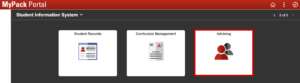
Select the ‘Advising’ tile
On the left hand navigation bar, select ‘Advisor Center’
From the navigation list, select ‘Advisor Schedule Revision’
Completing Requests
Any outstanding requests that require advisor attention will be displayed on the Advisor Schedule Revision page. Advisors will also receive an email notification when a request is awaiting review.
Actions requiring advisor input or feedback (similar to previous Supplemental Data Form):
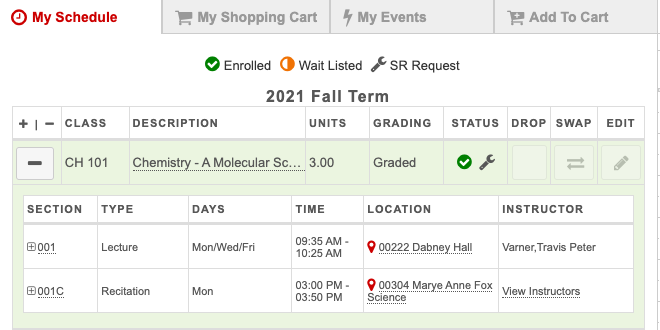
A wrench icon will appear under Status for actions awaiting approval Once completed, the request will be approved and the change will be reflected on the student’s schedule.